sidekey v1.5.0 minor
Sidekey for Mac 1.5.0
 by Mahmudul Hoque ·
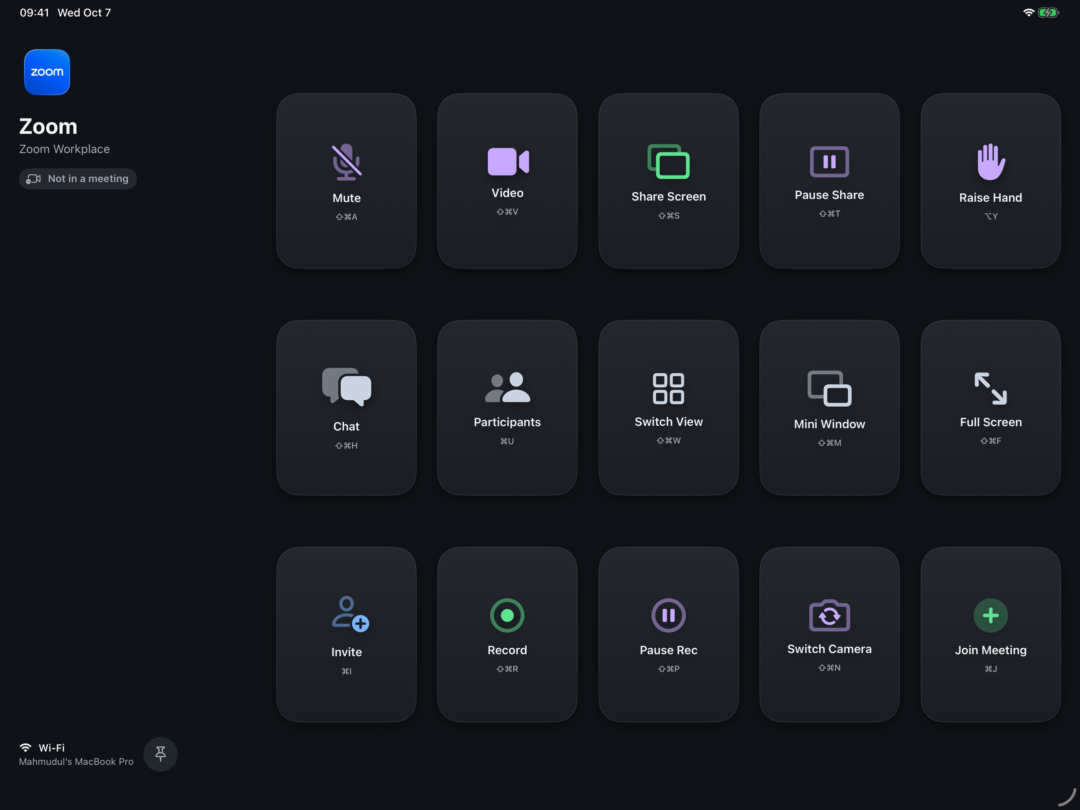
Turn an iPad or iPhone into a shortcut deck for your Mac. The keys change with the app in front.
Changelog
The Teams layout now has two modes. Chat is where Teams starts. Meeting holds the keys for video calls and webinars, so you can run a call from your iPad or iPhone without hunting for shortcuts. The last two keys of both modes switch between them, and Sidekey remembers your mode when you switch away from Teams and back.
Meeting keys: Mute, Video, Raise Hand, Share Tray, Share Toolbar, Leave (press and hold, so a stray tap won't end your call), Captions, Admit Lobby, Join Meeting, Calendar, and zoom in, out and reset on shared content.
- The shortcuts come from Microsoft's published Mac shortcut list, and every Meeting key was tried in a live Teams meeting.
- The Meeting keys do not light up with Teams' mute or camera state.
- The two mode keys replace the Chat mode's Next Section and Prev Section keys. If you had changed either of those slots in Edit Layouts, your key stays; use Reset Key on it to get the mode key.
- The pairing window now says to enter the code on your iPad or iPhone.
- The iPad and iPhone app needs no update; it works with the version on the App Store: https://apps.apple.com/app/id6820215459
Download Sidekey.dmg (signed and notarized) from the GitHub release.
Links
- source code
- homepage
- license: MIT