webterm v0.1.0 initial
webterm initial release
 by uintptr ·
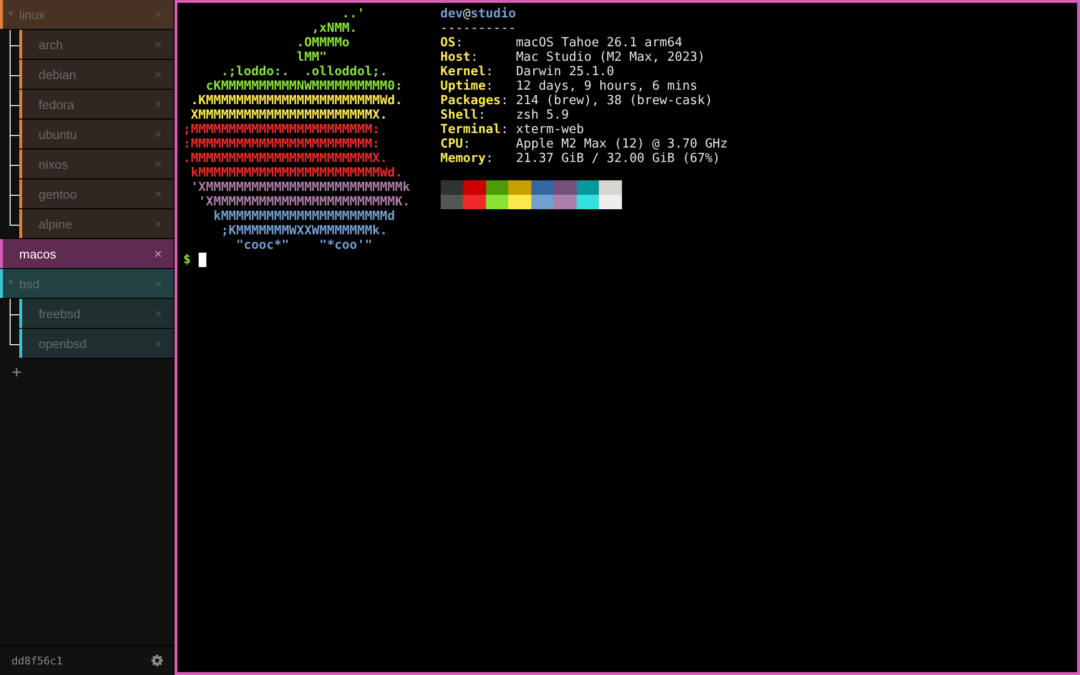
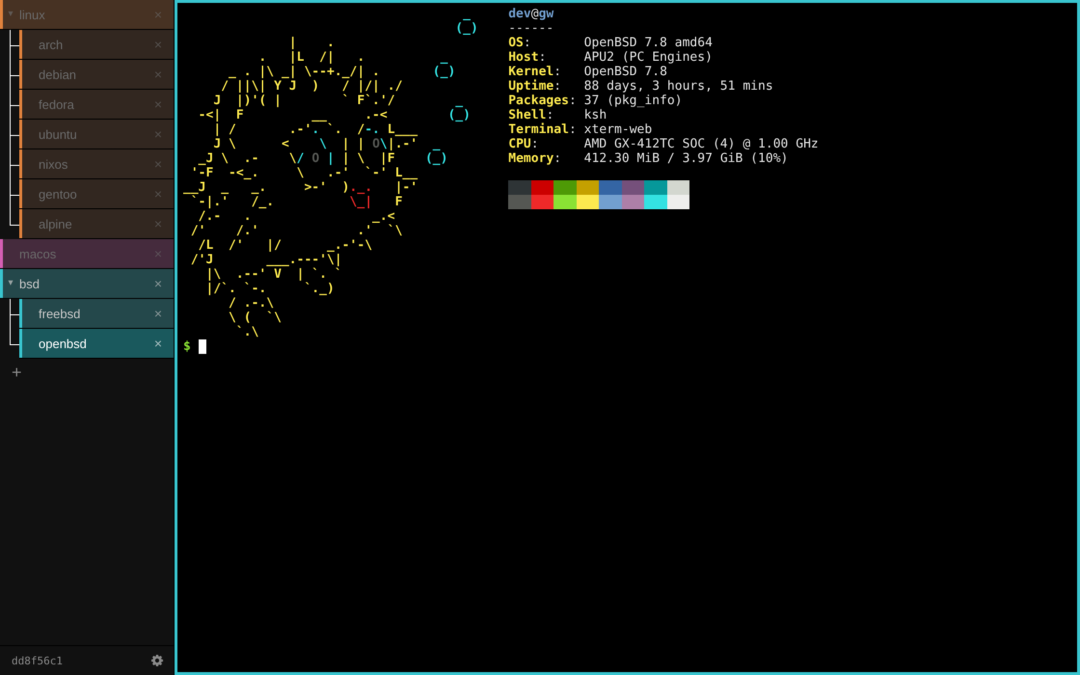
A tabbed terminal in the browser whose shells keep running after you close the tab, and which every
Changelog
v0.1.0
First release: a tabbed terminal in the browser whose shells keep running after
you close the tab, and which every browser shares live.
Sessions
- One
dtachsession per tab: closing the browser or restarting the server only
detaches, so the shells keep running. - Every browser sees the same tabs and the same output live, and can type into them.
- Opening a tab later, or reloading, replays its last 512 KB of output.
ALLOWlimits clients to a list of IPs or CIDRs;BINDandPORTset where the
server listens.- launchd and systemd units that restart the server without killing the shells.
Tabs
- Keyboard shortcuts to open, close, rename and switch tabs.
- Drag tabs to reorder or nest them; nested tabs show as a tree in the side bar and
can be folded away. - Colours from the right-click menu, or picked automatically from the tab's name.
- Inactive tabs are dimmed, except the rest of the active tab's tree.
- The window title is the hostname followed by the tab's name.
Terminal
- Selecting text copies it, over plain http too; middle-click paste works in
Firefox on Linux. - Ctrl+K clears the screen and scrollback.
- Emoji show at full width; on macOS, Option types symbols like @ instead of acting
as Meta.
Settings
- Tab bar down the left side or across the top, and the font size, kept per browser.
- Drag the side bar's edge to resize it.
- The commit shown in the tab bar gets a
*when the server needs a restart.